
FAQ
Common questions from the 4K Blu-ray collector community.
Getting Started
A 4K Blu-ray player (not a standard Blu-ray player) and a TV that supports HDR. That's the minimum. The format is backward compatible with standard Blu-ray, but you need the right player to see 4K and HDR.
Check the disc for HDR format. Most 4K discs are HDR10, some add Dolby Vision. If your TV supports Dolby Vision, make sure your player does too. The Panasonic UB820 covers both.
HDMI 2.0 is the minimum cable spec for 4K HDR. Most TVs sold after 2017 have at least one HDMI 2.0 port. If you're getting no picture or a downscaled one, check the cable first.
HDMI 2.0 for 4K HDR, HDMI 2.1 if you want headroom for 8K or 120fps (mostly irrelevant for disc playback). Any cable marketed as "High Speed" or "Premium High Speed" covers 4K HDR at 18Gbps. The community is consistent on this: expensive cables are not better. A $7 Monoprice cable passes the same signal as a $70 one from an AV store.
If you're getting 1080p instead of 4K, the cable is rarely the problem. Check that HDMI Enhanced mode (sometimes called "HDMI 2.0" or "Input Signal Plus") is enabled on the TV port you're using, then on your receiver or soundbar if there's one in the chain. That setting defaults to off on most TVs and silently caps the signal at 1080p.
eARC doesn't reliably carry DTS, which is on a lot of Blu-ray discs. If your player is going through the TV and back out via eARC to a soundbar, DTS tracks will either fail or get downmixed. The fix is to run the player directly into the soundbar's HDMI input so the audio never passes through the TV. Let the TV handle eARC only for streaming apps.
Dolby Atmos and Dolby TrueHD pass fine over eARC, so if your collection is mostly discs with Atmos tracks you may not notice the problem. The moment you hit a DTS-HD Master Audio track it'll go silent or drop to stereo, and the cause isn't obvious unless you know to check the connection path.
The community keeps coming back to three discs for this: Blade Runner 2049 for HDR highlight performance and shadow detail, Mad Max: Fury Road for peak brightness and colour saturation, Dune (2021) for object-based audio. They're reference titles because the mastering work is serious, not just because they look flashy.



For audio, Fury Road and Blade Runner 2049 both have aggressive Dolby Atmos mixes. If your system handles the cave chase in Fury Road without clipping, it's set up well.
Movies
Resolution is the smallest part of it. HDR is the actual upgrade. On a good TV, the difference between HDR and SDR on the same film is immediate and obvious. The contrast range, the highlight detail, the way fire or sunlight renders. That's what 4K discs deliver that streaming and standard Blu-ray can't match.
Bitrate matters too. A 4K disc runs at 50-80 Mbps. Netflix 4K tops out around 15-25 Mbps. Streaming compression artifacts disappear. Film grain is preserved instead of smeared by the codec, and quiet dark scenes that look muddy on streaming look clean on disc.
4K makes less difference with very old or poorly restored films, anything shot on lo-fi video stock, and anything where the studio has just upscaled the 1080p encode rather than working from a real 4K master. It's dramatic with large-scale cinematography, films with intentional use of color, and anything from the last decade with a proper HDR grade.

Criterion is the default trust signal. Consistent restoration standards, good packaging, and a catalog that leans toward films that warrant serious treatment. "Does Criterion have it?" is genuinely the first question the community asks about any serious film. The limitation is that Criterion has a narrow remit. They don't do horror, action, or genre work in any real volume.
Arrow Video is the go-to for horror and cult cinema. Restoration quality is high, supplements are often the best available, and they take on films Criterion would never touch. Second Sight has built a strong reputation in the same space. Vinegar Syndrome owns exploitation and adult-adjacent genre work, and their restorations are genuinely impressive given what they're working with.
For studio films, the label matters less than the specific transfer. A Universal or Warner catalog title can be excellent or terrible depending on whether it got a real restoration pass. Check the community and review sites before buying any studio 4K blind.
See all labelsThe disc inside is identical. Same transfer, same audio, same extras. The steelbook is the packaging. If you don't care about the object on the shelf, buy the standard edition and spend the difference on another film.
The case for steelbooks is that some of them are genuinely beautiful objects, particularly Zavvi and StudioCanal limited runs. They go out of print and command 2-5x retail on the secondary market, which matters if you're buying something you expect to appreciate. The community also treats certain steelbooks as collecting milestones. The "holy grail" thread in r/Steelbooks runs to hundreds of titles people are actively hunting.
The case against is that steelbooks are more expensive, harder to store at scale, and prone to dinged corners from shipping. A collection of 300 steelbooks is a different commitment than 300 slipcase editions. Most people end up doing both, steelbooks for films that matter to them and standard editions for everything else.
For OOP titles, eBay is the primary secondary market. Prices reflect scarcity well and you can watch listings for a title you want. Rarewaves ships internationally from the UK and regularly has titles that never made it to North America. Amazon.co.uk is worth checking for UK pressings, particularly Arrow and Indicator titles not released in Region A.
On region coding: most 4K UHD discs are region-free by specification. The 4K layer plays on any player globally. The included Blu-ray disc is region-coded, but if you're playing the 4K disc directly that's not an issue. A few studios (Disney, specifically) apply region coding to 4K discs, but it's the exception rather than the rule.
For new releases, follow label newsletters directly. Boutique pressings sell out in hours for sought titles. Criterion runs two major sales a year, usually in July and November, plus flash sales a few times in between.
See all storesReddit and blu-ray.com are the two sources the community actually uses. r/4kbluray and r/Steelbooks pick up announcements within hours of a label posting them. Blu-ray.com's Hot Deals section and forums are where collectors go for specs, transfer discussion, and release date confirmation. Some people use both: Reddit for the immediate noise, blu-ray.com for the specifics.
Labels have predictable patterns once you know them. Criterion announces monthly and runs two major sales a year in July and November, plus flash sales a few times in between. Lionsgate Limited announces on the 17th of the month. Arrow and Radiance announce via their own sites and email lists. Following label newsletters directly is faster than waiting for Reddit to surface it.
On preordering: standard studio releases almost never sell out and can typically be bought at a discount after release. Limited editions and boutique pressings are a different situation entirely. The community line is that if the word "Limited" is in the title, you preorder it the second it's announced. Steelbooks at specific retailers (Zavvi, Best Buy) are the most time-sensitive. One collector put it well: "You will never know if it was necessary to preorder until it's too late, and that's exactly how the studios and boutiques want it." One caution with Amazon specifically: they take unlimited preorders and cancel the ones they can't fill in random order, not first-come first-served, so for limited pressings a specialist retailer is the safer bet.
The pre-releases page here tracks what's currently announced and generating community discussion, updated weekly from Reddit.
See upcoming releasesTier ratings on film pages reflect the quality of the 4K transfer, not the quality of the film itself. They're pulled from dedicated review sites that evaluate the disc on video quality, HDR implementation, and how well the transfer represents the source material.
S-Tier is reference quality. These are the discs people use to demo their setup. Think Lawrence of Arabia, Blade Runner 2049, Twisters. The 4K presentation is as good as home video gets.
A-Tier is excellent. A clear upgrade over the Blu-ray with strong HDR and detail. Most well-handled catalog restorations and good modern transfers land here.
B-Tier is solid. Noticeably better than Blu-ray but with some caveats, whether that's a conservative HDR grade, light DNR, or a transfer that doesn't quite reach its potential.
C-Tier is disappointing. Marginal improvement over the Blu-ray, or issues that undermine the upgrade. Heavy noise reduction, flat colors, or a botched HDR pass.
D-Tier means the 4K is worse than the Blu-ray. It happens. Bad processing, unnecessary tinkering with the image, or an upscale masquerading as a native 4K scan.
The ratings come from bestblurays.com, hidef-digest.com, and avforums.com, in that priority order. Not every film has a rating yet, and when review sites disagree the highest-priority source wins. If a film has no tier badge, it just means none of these sites have reviewed the 4K disc.
Browse films by tierPlayers
For most collectors the Panasonic UB820 is the right answer. It's the community benchmark: strong video processing, full HDR format support, and a genuine universal recommendation across r/4kbluray. The UB9000 adds analog outputs and internal SACD processing, but unless you have a reference audio chain it won't move the needle.
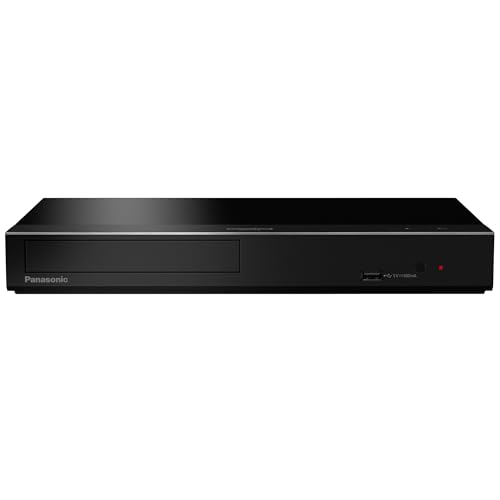
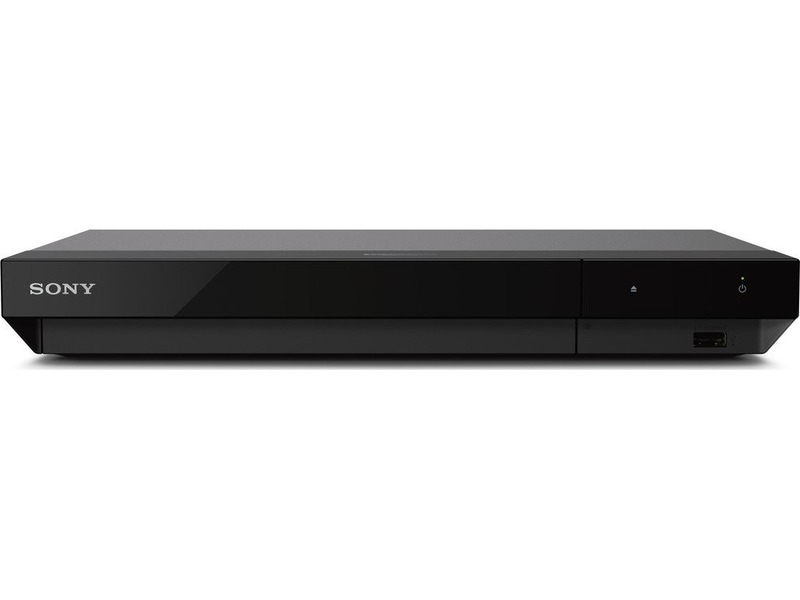
If you want streaming built in, the Panasonic UB450 covers the basics. The Sony UBP-X700 is the budget alternative, though the community consistently puts its video quality a step below the Panasonics.
A used PS5 reads UHD discs and is fine as a starter, but it lacks Dolby Vision and dedicated video processing. Good enough to get into the format, not a long-term answer.
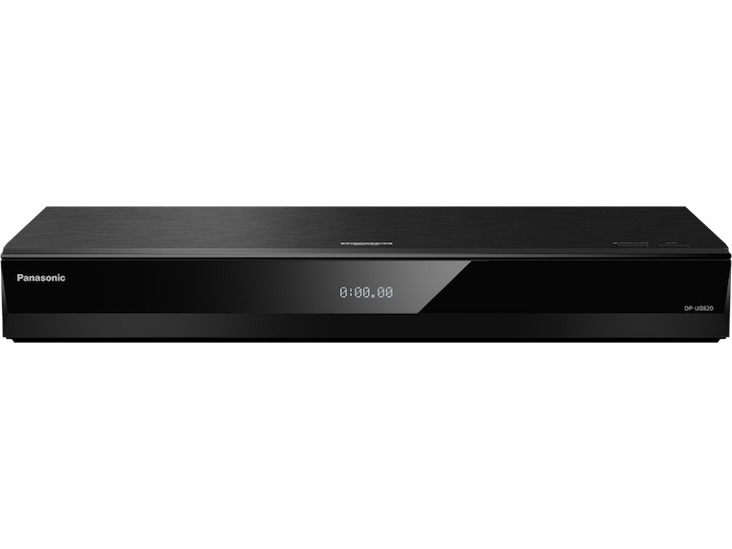
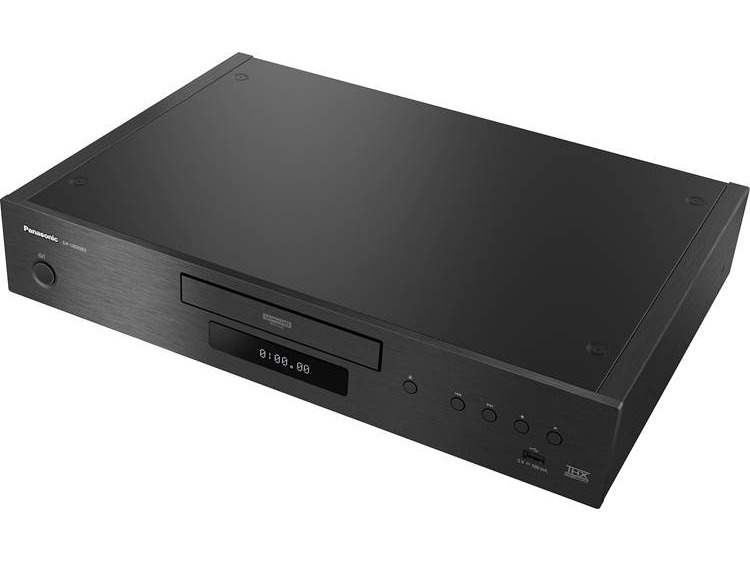
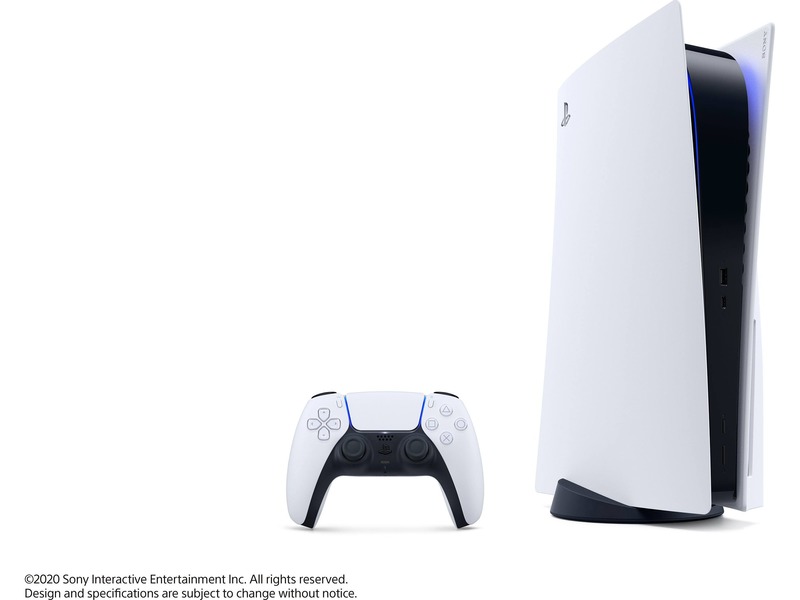
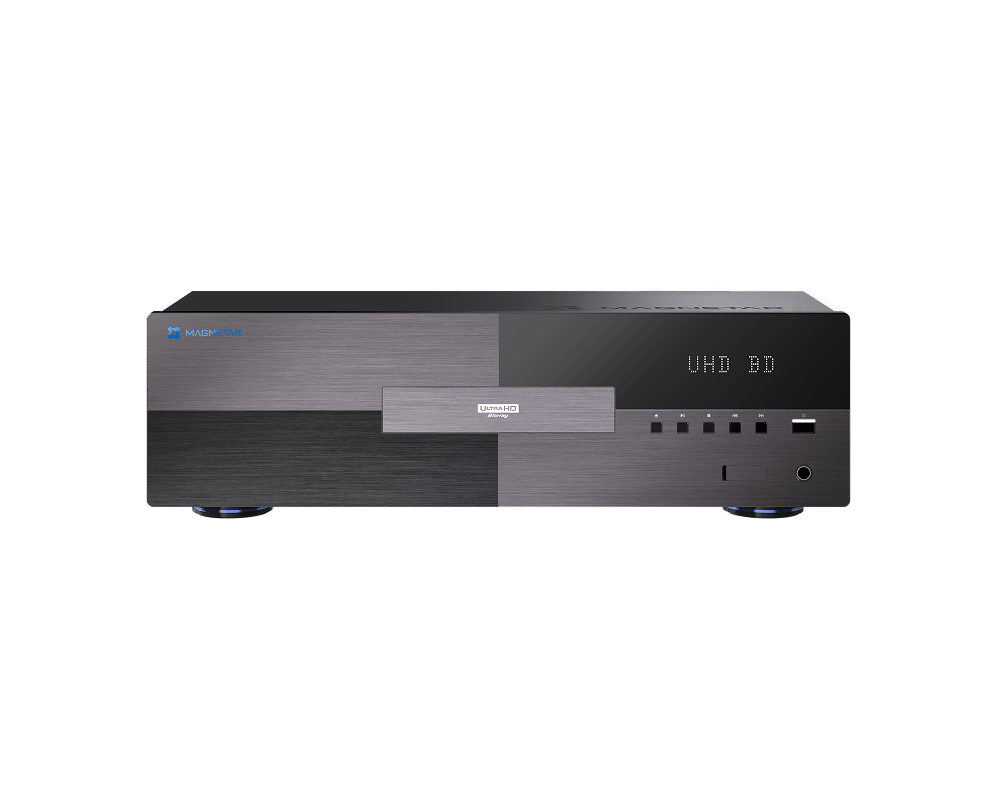
Yes, meaningfully. The UB820 supports Dolby Vision, HDR10+, and has dedicated video processing (HCX) that produces better tone mapping on challenging HDR content. The PS5 plays the disc but strips Dolby Vision entirely and routes through the console's video pipeline, which adds latency and can't be bypassed.
If your TV handles HDR10 well, the PS5 is a fine starting point. If you have a capable display and you're running a PS5, you're leaving picture quality on the table.
New mid-range players from Panasonic are expected. The community has been tracking the UB9000's successor for a while with no confirmed release window as of early 2026.
The boutique end is more active. Magnetar released the UDP900 in 2024 and the community response has been positive for reference-audio setups, but the mainstream bracket is quiet.
Displays
OLED for dark rooms, mini-LED for bright rooms. OLED delivers pixel-perfect black levels that make HDR look the way HDR was designed to look. Shadow detail is unmatched. The trade-offs are burn-in risk with static elements (menus, letterboxing) and peak brightness that tops out around 1000 nits depending on panel size.
Mini-LED (LG QNED, Samsung Neo QLED, Sony X95L tier) gets significantly brighter for SDR and HDR highlights. In a lit room, an OLED can look washed out where a good mini-LED holds up. The downside is local dimming halos on high-contrast scenes, still visible on all current sets.
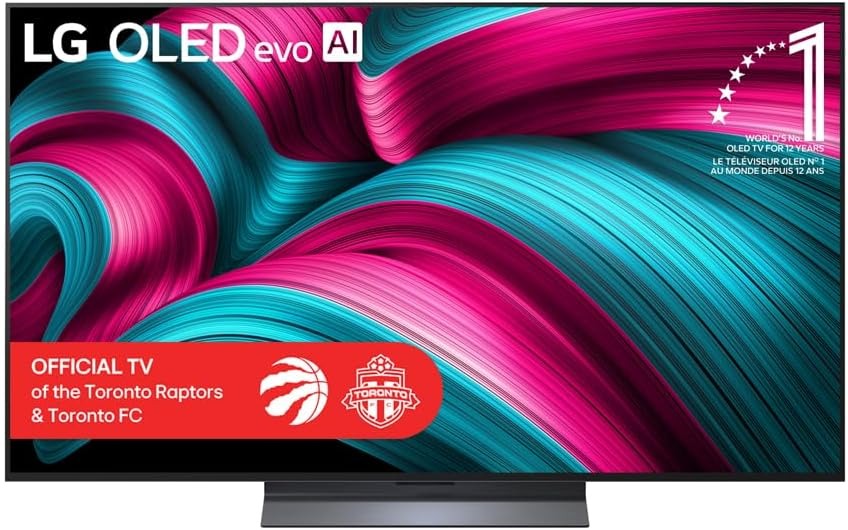
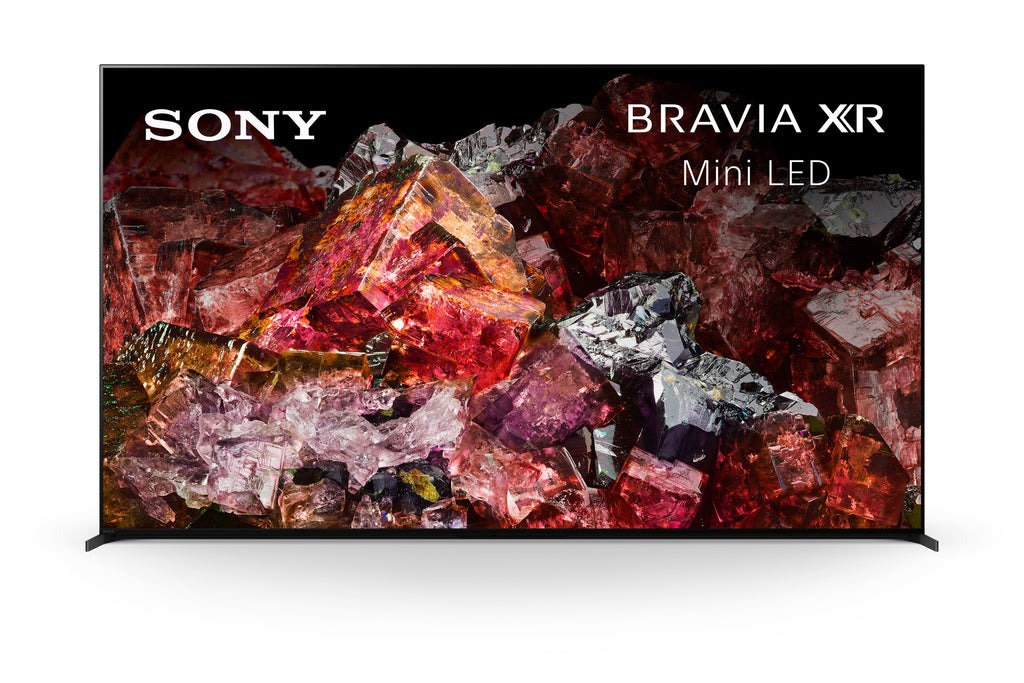
The community floor for HDR that actually looks like HDR is roughly the LG B-series OLED or the Sony X90L. Below that tier, HDR is technically present but tone mapping is weak enough that you're not getting what the disc was mastered for.
A used LG B1 or B2 OLED is still a better picture than a new mid-range LCD at the same price. The OLED resale market is active and the compatibility is well-documented, so buying used is low-risk.
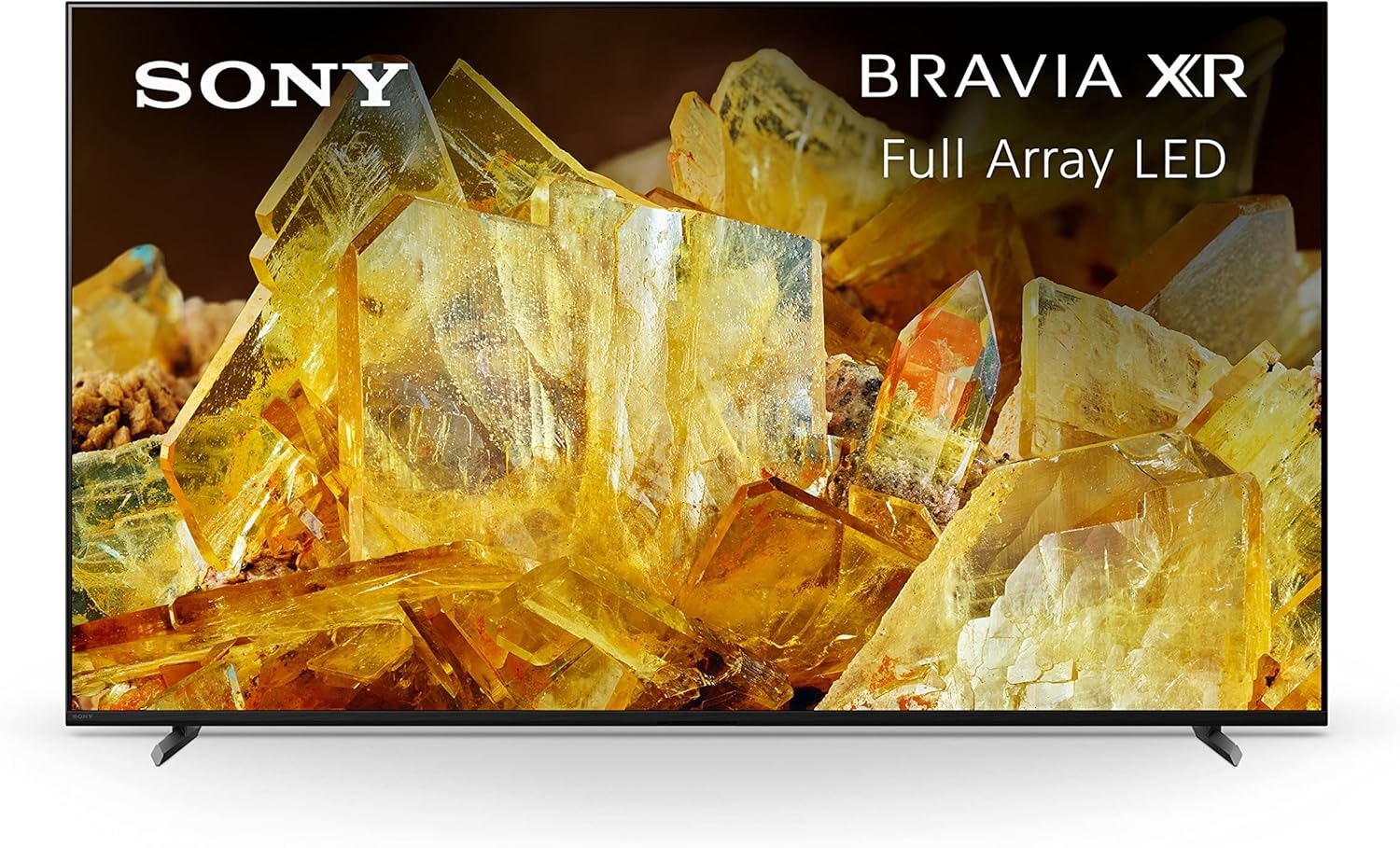
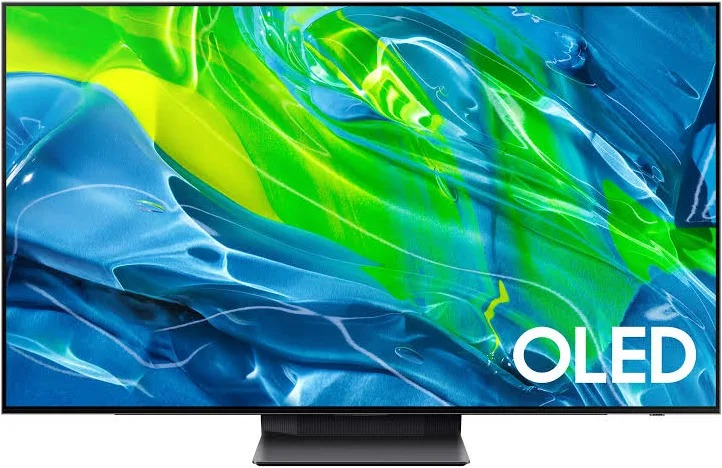
Not professionally. But you should at minimum switch to a calibrated picture mode (Cinema, Filmmaker Mode, or equivalent) and turn off any motion smoothing (TruMotion, Auto Motion Plus, MotionFlow). These are on by default and will make film content look like a soap opera.
Filmmaker Mode is available on most modern sets and kills all the post-processing in one tap.
Sound
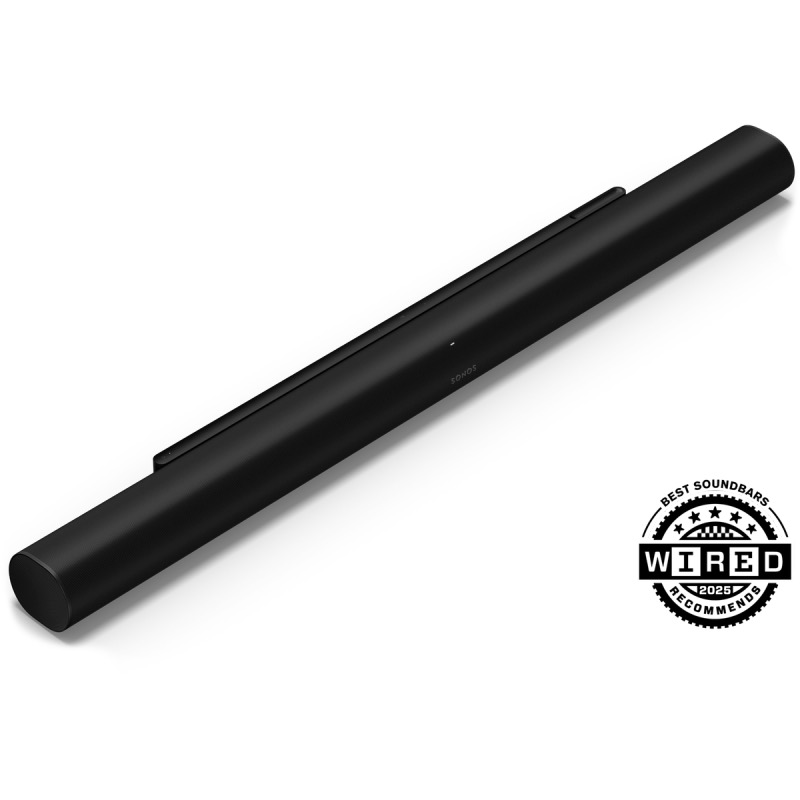
Soundbars dominate because they're practical. Renters can't run wires through walls or mount ceiling speakers, and most households aren't set up for a full receiver stack. The community is pragmatic about this: if you have a good soundbar and you're happy with it, that's a legitimate setup.
The honest caveat is that Dolby Atmos from an upfiring soundbar is a simulation. The upfiring drivers bounce sound off the ceiling to approximate overhead channels. It works better in rooms with low, flat ceilings and worse in open-plan spaces. Most people don't feel like they're missing something, but it's not the same thing as actual height speakers.
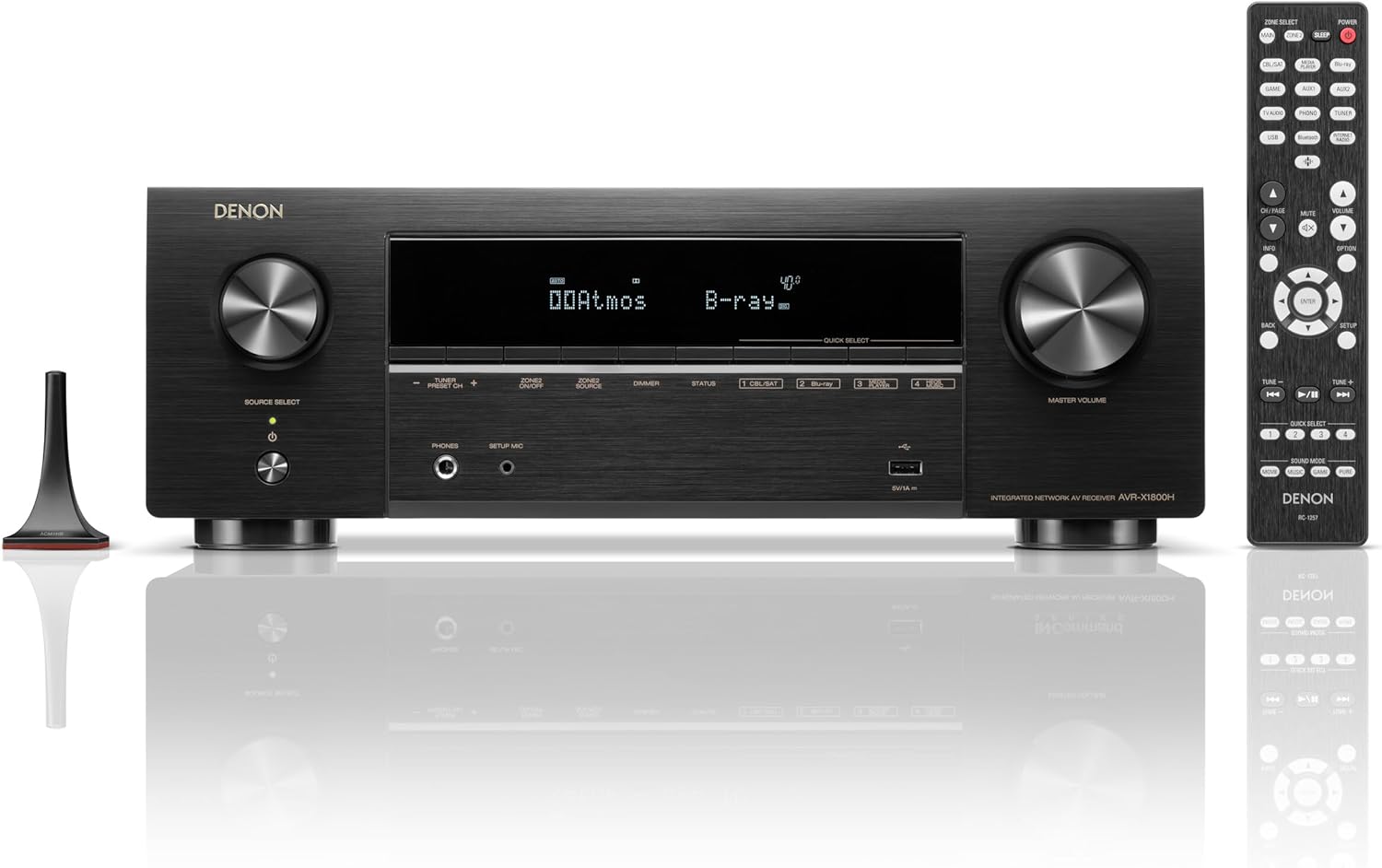
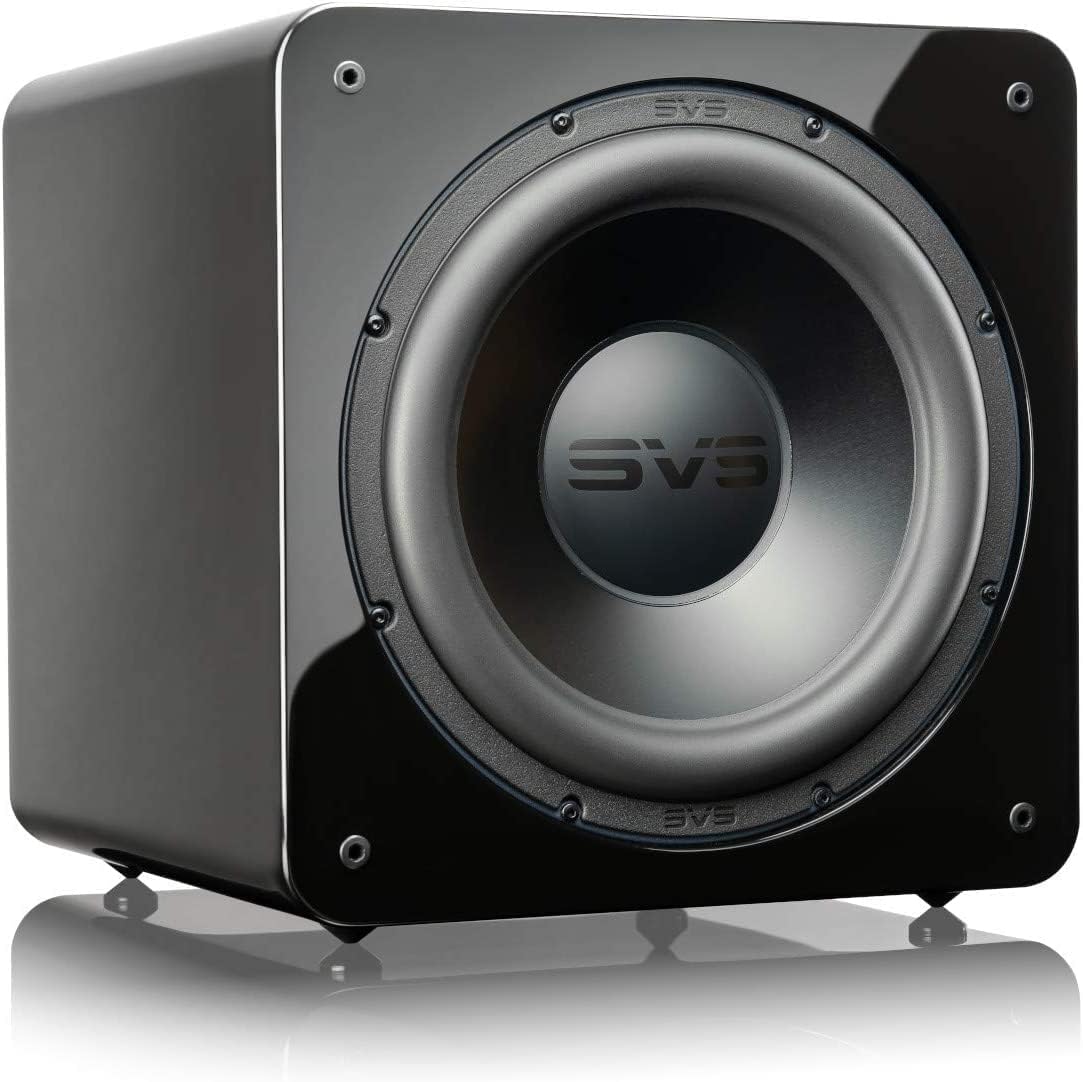
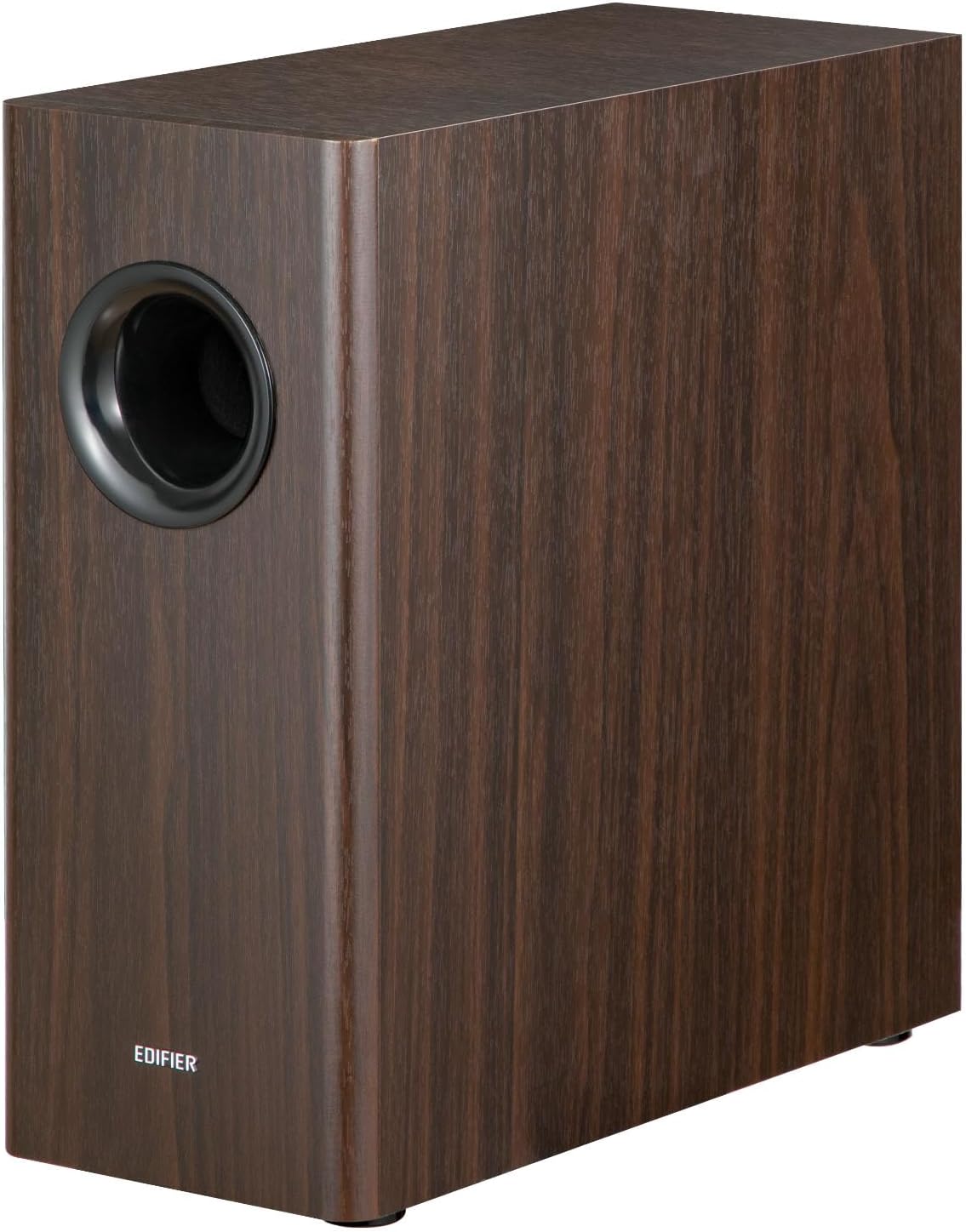
A used receiver with 5.1 discrete speakers will outperform any soundbar at the same total price. The community regularly builds setups for $400-500 USD using a used Denon or Marantz AVR plus second-hand bookshelf speakers and a subwoofer. The ceiling-speaker Atmos upgrade (5.1.2 or 5.1.4) can come later.
Soundbars

Receivers
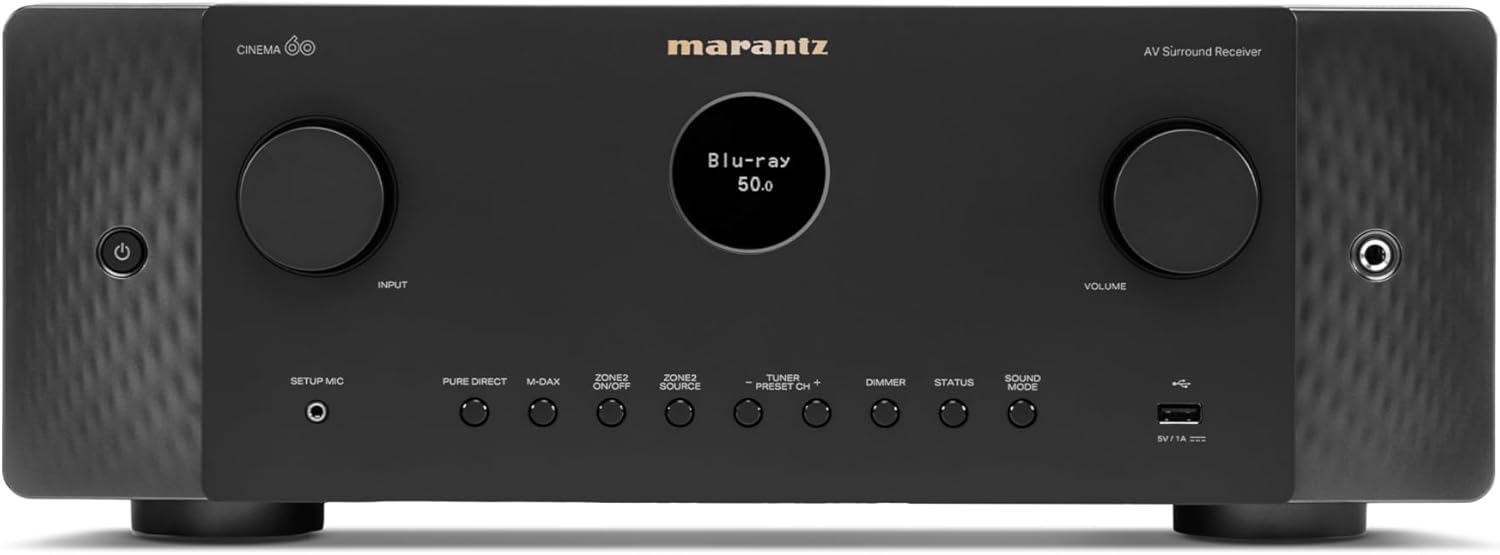
TrueHD and DTS-HD Master Audio are the two lossless codec families on Blu-ray discs. Both are lossless, meaning the audio is bit-for-bit identical to the studio master. TrueHD equals DTS-HD MA in quality. You're getting lossless audio either way. The difference is licensing, not fidelity.
Dolby Atmos is a spatial audio layer built on top of TrueHD. DTS:X is the same concept built on top of DTS-HD MA. They add object-based overhead channels to the base 7.1 or 5.1 mix. Whether you hear the difference depends on whether your setup has height speakers or effective upfiring drivers.
One practical issue: newer TVs are dropping DTS decoder support due to licensing costs. This matters if you're playing discs through a TV without a receiver in the chain, since a DTS-HD MA track may go silent or downmix to stereo. Dolby is unaffected. If you have a receiver, it handles decoding directly and this goes away.
Bitstream if you have a receiver. The player sends the encoded audio stream directly to the receiver, which decodes it. This preserves Atmos and DTS:X metadata and lets the receiver do what it's designed to do. Set your player to "Bitstream" for both Dolby and DTS outputs.
PCM if your player is connected directly to a TV or soundbar without a receiver in the chain. The player decodes the audio itself and sends uncompressed multi-channel PCM over HDMI. You'll get lossless audio but lose Atmos object metadata, which gets folded into the base mix. For a TV speaker or entry-level soundbar that can't process Atmos anyway, this doesn't matter.
Subwoofers
A few things are going on. The standard Blu-ray may have been authored before the Atmos mix existed. When studios produce a 4K remaster they often commission a new spatial audio mix at the same time, and the standard Blu-ray pressing doesn't get updated. It's a cost decision, not a quality one.
Licensing is also a factor. Dolby and DTS charge different rates for different disc types, and studios sometimes choose one codec per tier based on existing contracts or deals. Some studios also reuse older Blu-ray masters rather than re-authoring everything when they release a 4K version.
In practice it means the 4K disc is often the better audio purchase even if you're playing it on a 1080p display.
Ripping & Archiving
No. Most collectors don't bother and the disc plays fine. Ripping is for people who want a NAS-based home theatre server, or who want insurance against physical damage to discs they can't replace easily.
Casual collectors play the disc, serious archivists rip everything. If you're asking whether to start, the answer is probably not yet. Get the player and display sorted first.
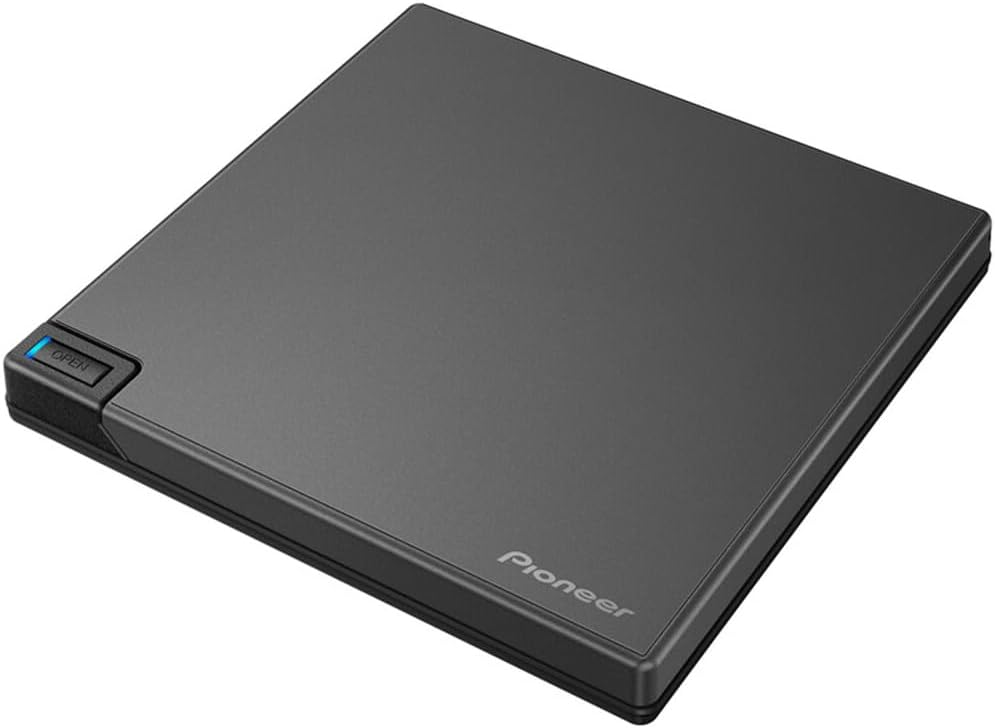
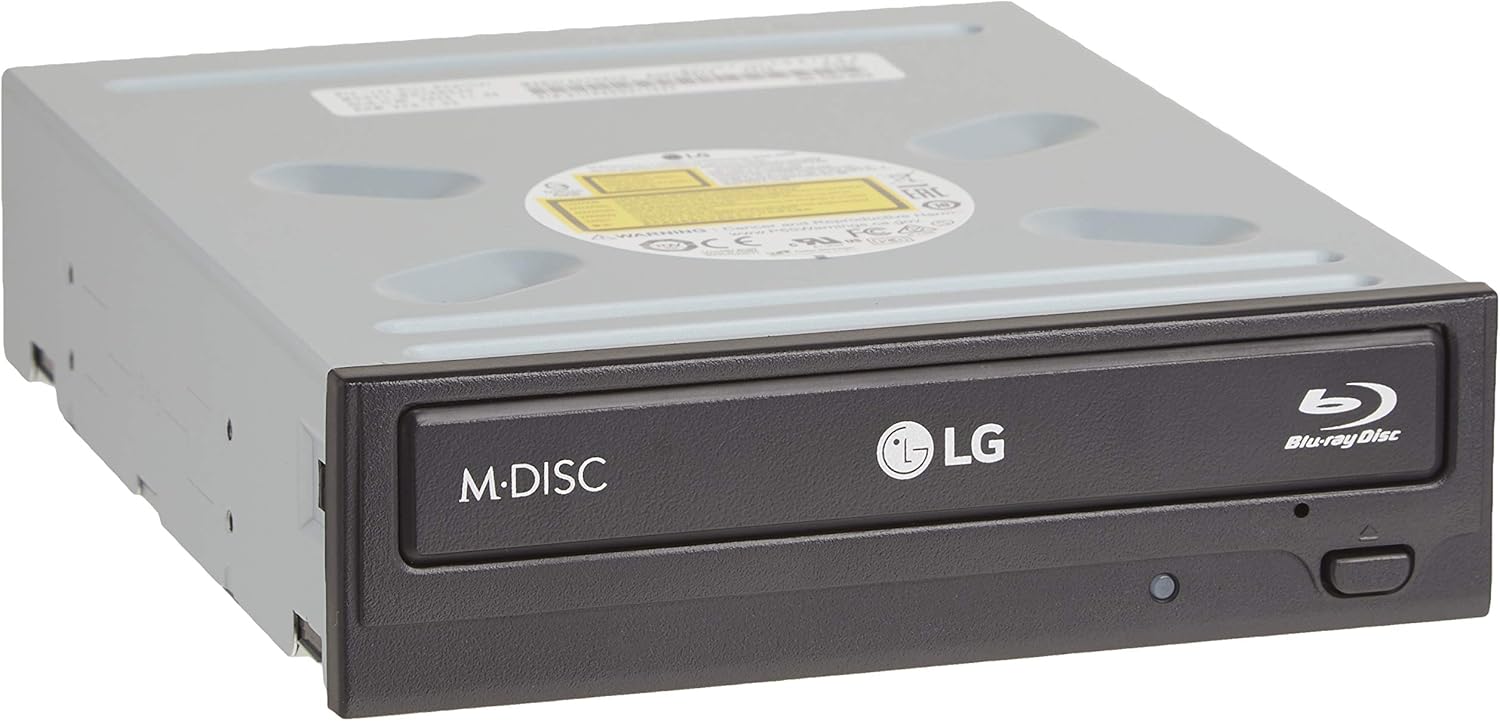
Two drives cover most setups. The Pioneer works out of the box with no flashing required, just plug in via USB-C. The LG is the long-standing community workhorse. It costs less but needs a firmware flash to unlock UHD ripping and an external enclosure to run.
MKV for most people. ISO for archivists who want an exact disc clone including menus and bonus features. MKV is a lossless container for the main film, same video and audio, dramatically smaller on disk, and plays in everything.
MakeMKV produces both. Start with MKV unless you have a specific reason to store full disc images.
Plex is the easiest to set up and has the best client support across devices, but the free tier limits some features and the company has a track record of pushing streaming content you didn't ask for.
Jellyfin is the fully open-source, self-hosted alternative. Slightly rougher UI, no subscription model, no corporate layer. The community preference has been shifting toward it.
Kodi is a local media player, not a client-server system. Better for a dedicated HTPC than for streaming to multiple rooms, and the community typically reaches for it when one machine is physically connected to the TV.
Storage & NAS
A USB desktop external drive is where most collectors actually start. Plug it into your PC, point MakeMKV at the output folder, and you're done. The WD Elements Desktop 20TB runs around $40-50 USD and holds 250-300 ripped 4K titles, with no network config, no enclosure, and no monthly Plex Pass required to get started.
See all storage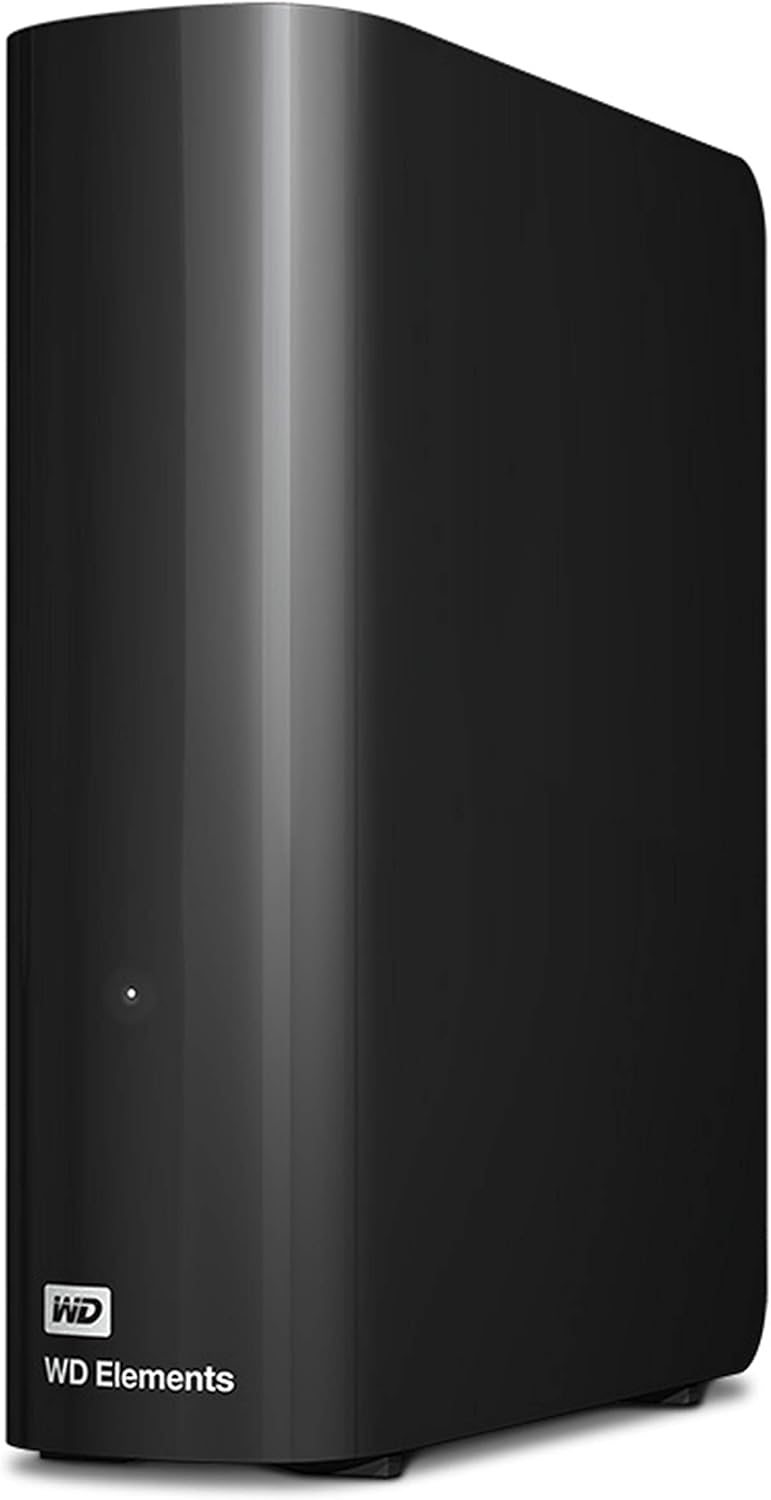
NAS makes sense when you want always-on access from a TV or phone without leaving your PC running, or when you've filled one drive and need to manage multiple. Start with a USB external and graduate to NAS when it fills up.
If you already have a PC that's on most of the time and you're just getting started, skip the NAS.
4K UHD MKV files average 60-80 GB each for a two-hour film, so 100 films is 6-8 TB just for video. A 20TB USB desktop external holds roughly 250-300 titles and costs around $40-50 USD. That's a full collection for most people before they even think about NAS.
Buy more than you think you need. Drives are cheap, re-organising a full array is not.
Synology for people who want it to just work. The DSM interface is polished, the drive compatibility list is well-maintained, and Plex and Jellyfin both have official Synology packages. The trade-off is that you're locked into Synology's hardware and their update cadence.
See all storage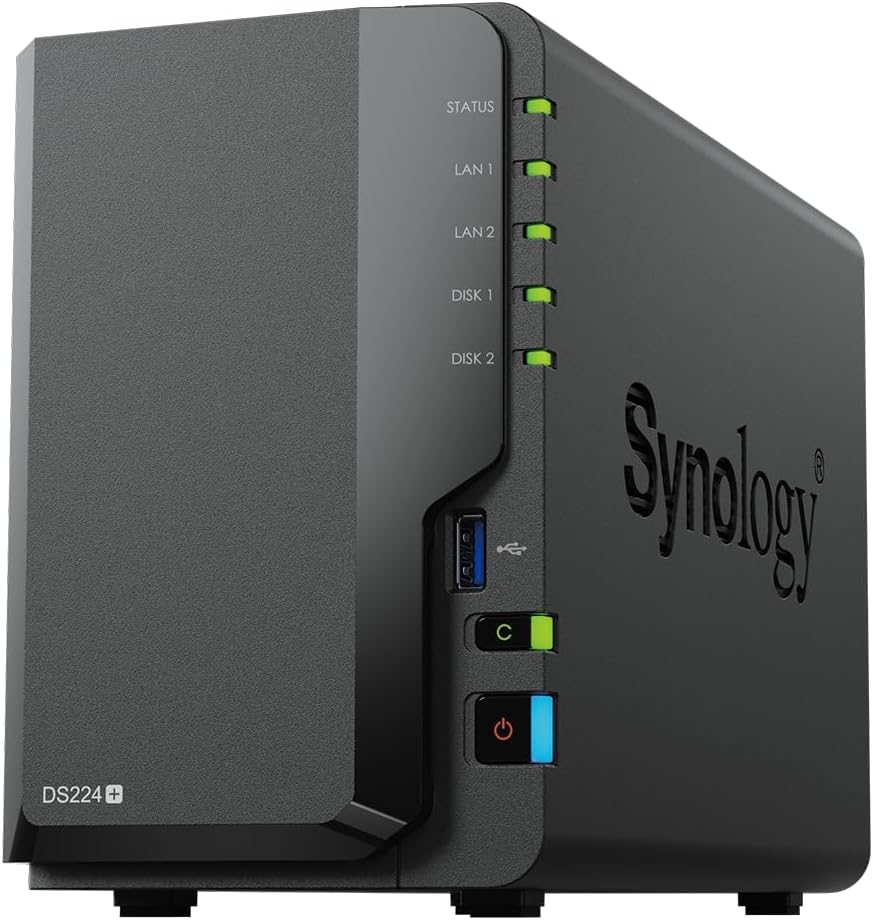
Unraid for people who want flexibility. You can mix drive sizes, run Docker containers, and build on standard PC hardware. The learning curve is steeper and the licence is paid (one-time or annual), but the community for custom setups is larger.
RAID is not a backup. It protects against a single drive failure, not ransomware, accidental deletion, or two drives failing at once. For a media archive, a second copy on a separate drive is more useful than RAID 1.
For a collection that's mostly ripped from physical media you own, single-drive storage is fine. You can always re-rip. RAID is overkill for a personal disc archive.
Shelving & Display
IKEA Billy is the default across every collector subreddit. It fits roughly 50 standard Blu-ray cases per shelf, it costs under $100 USD, and you can add extra shelves to double the capacity per unit. The main complaint is depth, since Billy shelves are deeper than a disc case. The common fix is laying a VHS tape flat at the back of each shelf to push cases forward for easier spine reading.

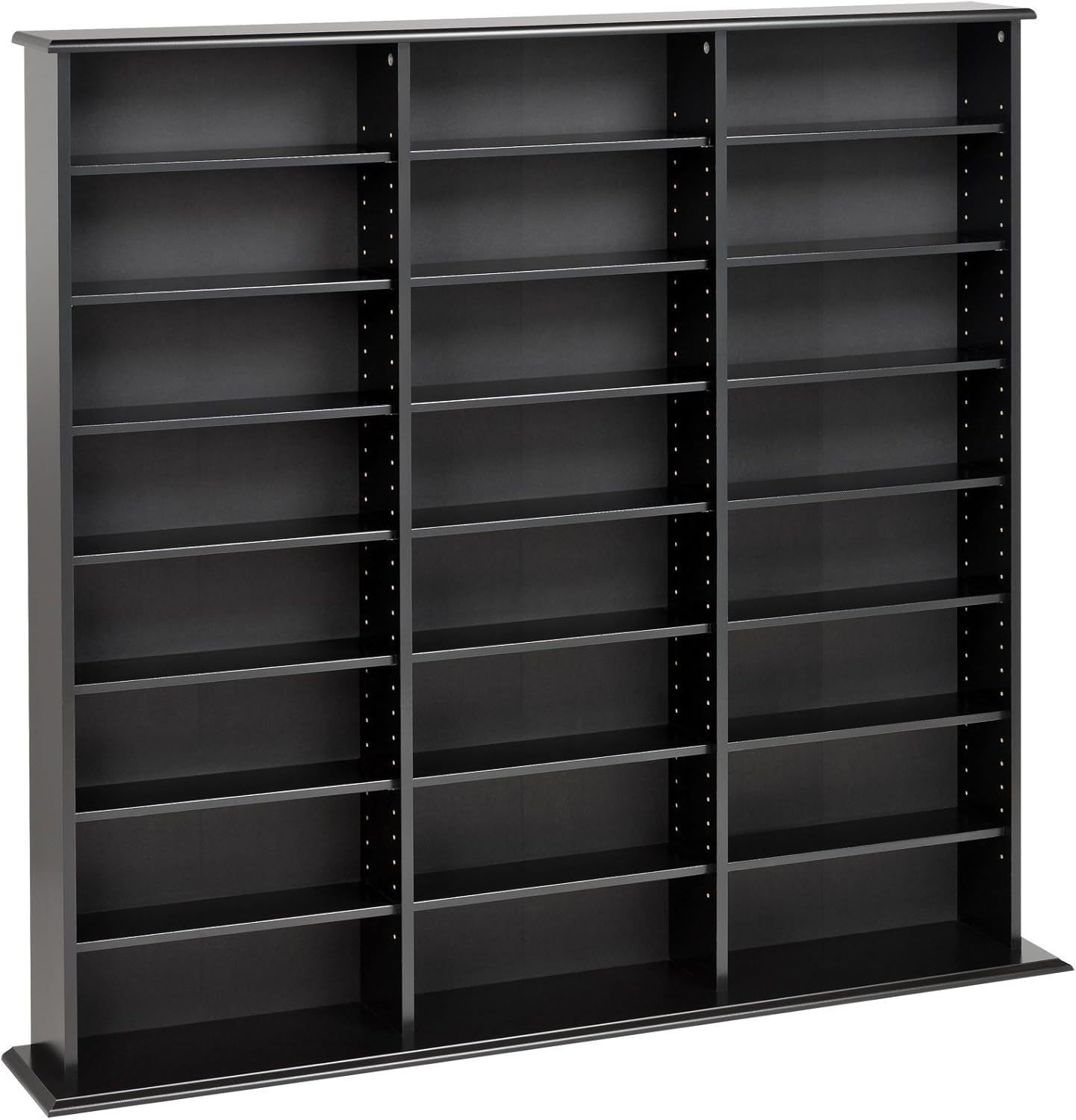
For dedicated media towers, Prepac beats Atlantic on build quality. Atlantic Oskar units are cheap and hold a lot, but the community has grown vocal about flimsy construction and units that don't survive a move. Prepac comes with a 5-year warranty and adjustable shelves that handle mixed case sizes.
The discontinued IKEA Gnedby is still considered the best media shelf ever made because it was the exact right depth for disc cases with no wasted space. Collectors hoard them off Facebook Marketplace. The IKEA Bestå is the closest current replacement.
See all shelvingThe most popular method on r/Steelbooks is magnetic paper (flexible magnet sheets) attached to the wall with 3M Command strips. Cut the sheets into quarters, space them at least 1 inch apart, and stick your steelbooks on. Fully renter-friendly, no holes in the wall, and the paper is reusable when you move.
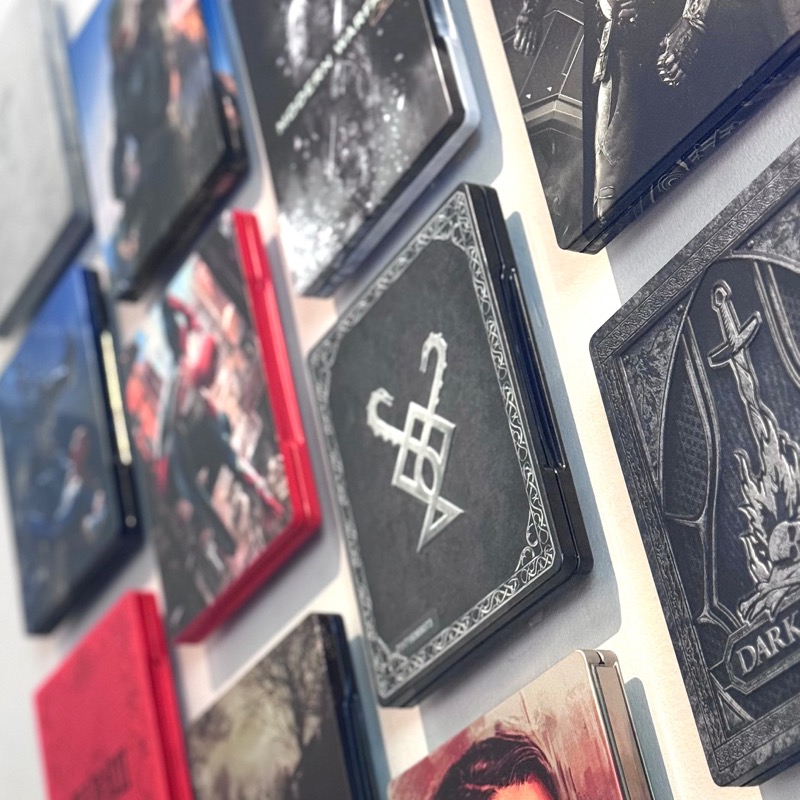
For face-out display on shelves, small plate stands or acrylic easels are the go-to. Some collectors use 3D-printed custom stands for themed sections.
Floating shelves from Etsy (farmhouse style, 7.25 inches deep) were the aesthetics winner on r/boutiquebluray for showing off cover art and boutique label spines. Lower capacity than a bookcase but the visual impact is real.
The community consensus is clear on this one. Don't double-stack. The whole point of a physical collection is keeping movies visible and accessible, and a row of hidden cases behind a front row defeats the purpose. When a shelf fills up, add another shelf or another unit.
If you're genuinely out of wall space, under-bed storage bins work for a "watched but not displayed" overflow tier. Spinning media towers are another option for tight spaces, since they hold roughly 672 discs in about 2 square feet of floor space.