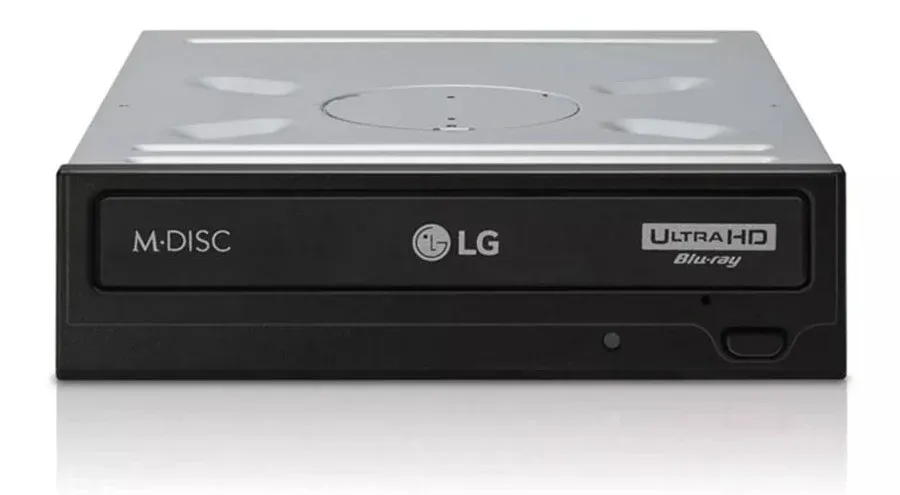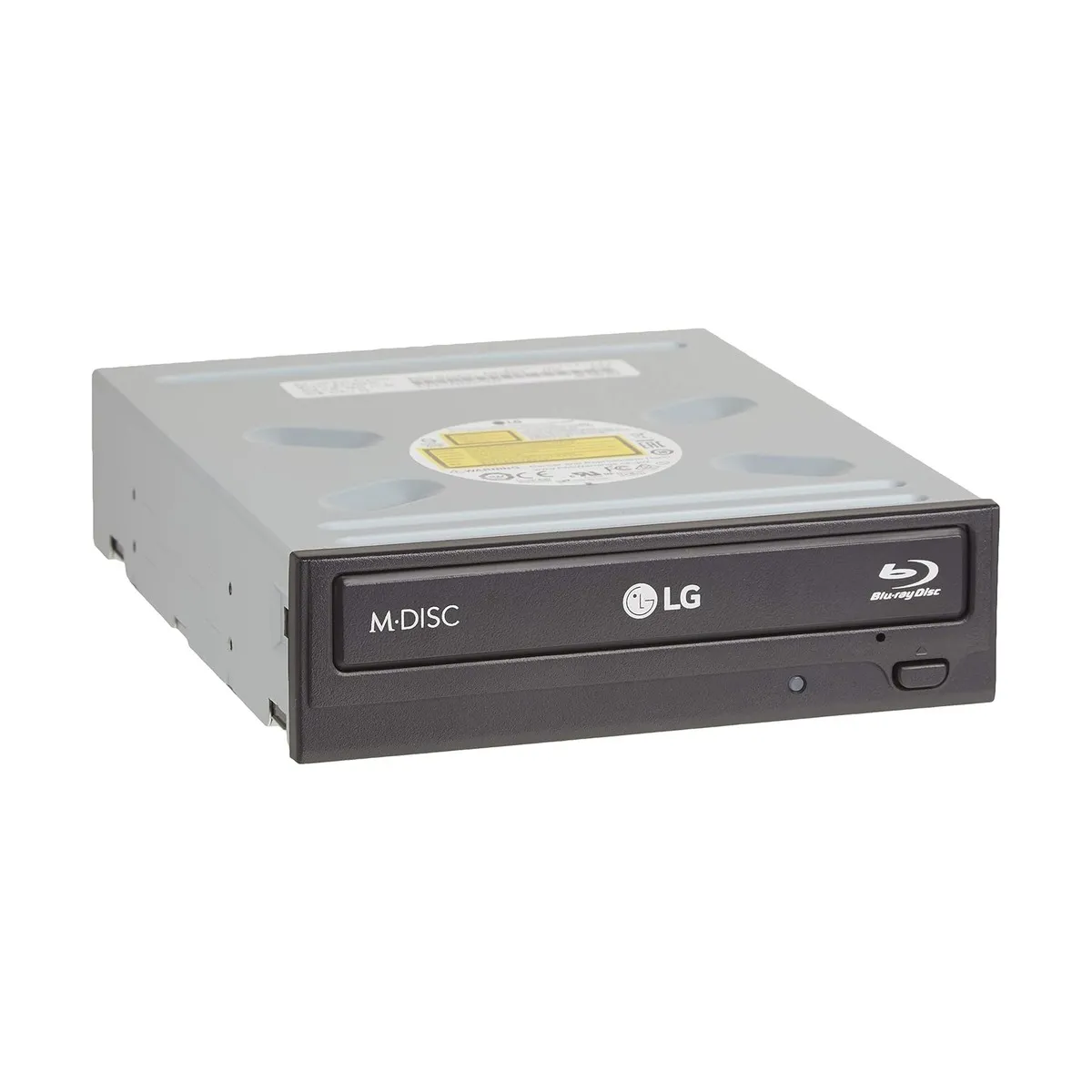
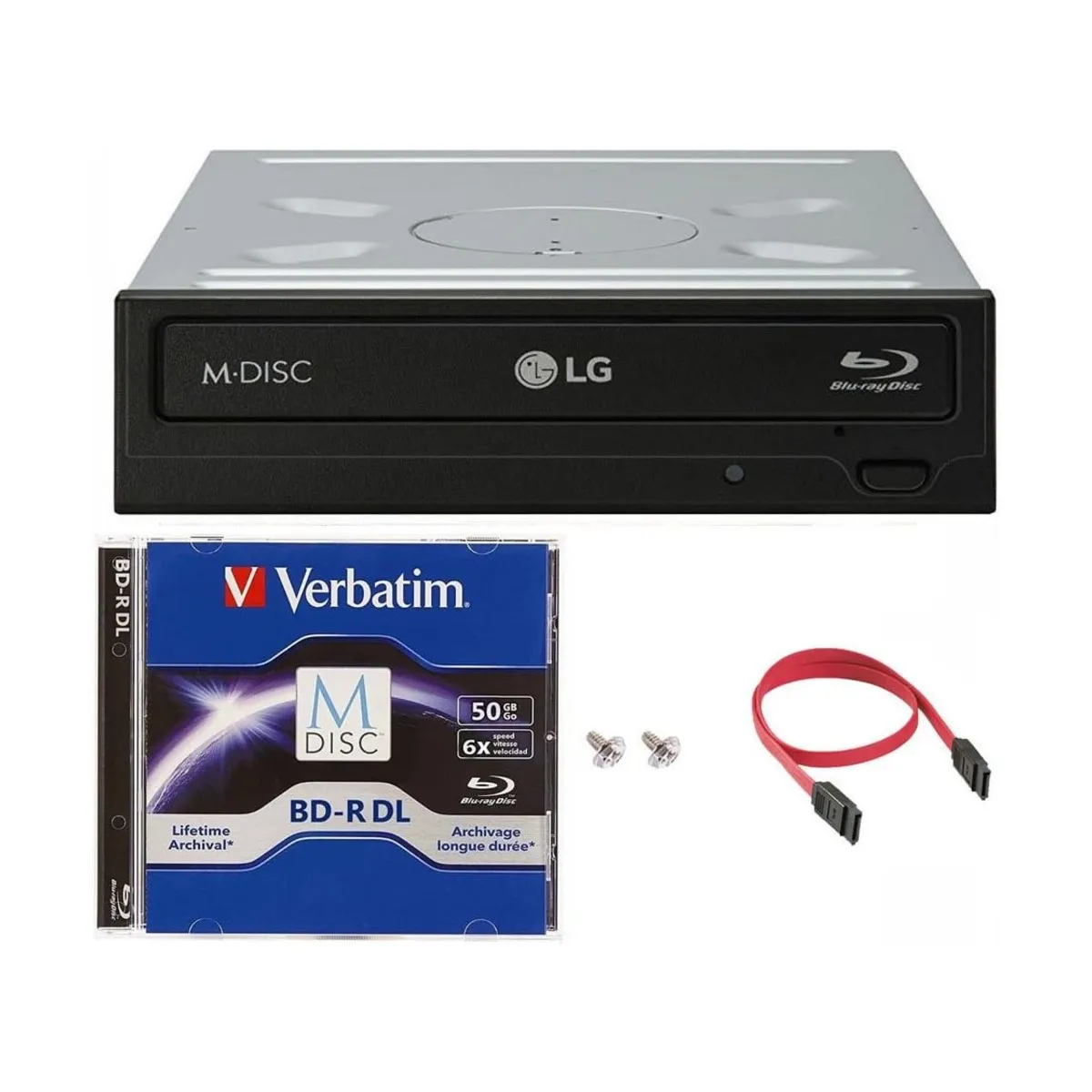
The WH16NS40 and WH14NS40 are the two LG internal 5.25” drives collectors keep recommending for UHD ripping. The number in the model name is the BD-R write speed, which is where a lot of the online confusion starts. For reading discs, which is the only thing that matters for ripping, the two drives are spec-for-spec identical.
Side by side
| Spec | WH16NS40 | WH14NS40 |
|---|---|---|
| BD-ROM read speed | 12x / 8x CAV (SL/DL) | 12x / 8x CAV (SL/DL) |
| BD-R read speed | 12x / 8x CAV (SL/DL) | 12x / 8x CAV (SL/DL) |
| BD-R write speed | 16x CAV | 14x |
| DVD read speed | 16x / 12x CAV | 16x |
| DVD write speed | 16x CAV | 16x |
| BDXL support | Yes | Yes (128GB) |
| M-DISC support | Yes | Yes |
| Form factor | Internal 5.25” | Internal 5.25” |
| Interface | SATA | SATA |
| Needs enclosure | Yes | Yes |
| LG platform | MT1959 | MT1959 |
| Flashable (MakeMKV MK) | Yes | Yes |
| Target firmware | WH16NS60 1.02-MK | WH16NS60 1.02-MK |
| Flash steps | Single WRITE | Single WRITE |
| UHD reading (post-flash) | Yes | Yes |
| Standard BD / DVD / CD | Yes | Yes |
| UHD writing | No | No |
| Original release | ~2015 | 2013 |
| Production status | Discontinued | Discontinued |
| Typical used price (2026) | $80-120 USD | $60-100 USD |
| New-in-box availability | Occasional | Rare |
| Community report volume | Higher | Lower |
Short answer
Buy whichever is cheaper from a seller who confirms a 2016-or-later manufacture date on the label. For ripping, the two drives perform the same.
If both are priced similarly and both are in stock, take the WH16NS40. It is the newer of the two, has a larger pool of community reports, and writes BD-R slightly faster if you care about burning (most rippers don’t). If the WH14NS40 is meaningfully cheaper or the NS40 is out of stock, buy the NS14 without hesitation.
The naming is misleading
The “16” and “14” refer to maximum BD-R write speed. Not read speed.
For UHD ripping, read speed is the only spec that matters. Both drives read BD-ROM and BD-R at 12x / 8x CAV. They rip at the same rate. A 50GB UHD disc takes the same time on either drive. Batch 200 discs, the total is the same.
This is worth stating plainly because a lot of older forum posts and retailer copy imply the NS40 is “faster” in a way that matters for ripping. It is not. The extra 2x BD-R write speed only shows up if you are burning discs.
The MakeMKV forum’s consensus, summarized by one long-time contributor in the NS40 vs NS14 thread: “From the perspective of their use with MakeMKV, I don’t think there’s a difference. Just get the cheaper one.”
What makes them the same
Both use the LG MT1959 platform, which is the prerequisite for MakeMKV’s flashable MK firmware. Both cross-flash to WH16NS60 1.02-MK in a single WRITE operation in SDFtool Flasher. No two-step dance like the BP50NB40, no reboot required like the ASUS BW-16D1HT.
After flashing, both drives behave identically. Both read UHD Blu-ray, standard Blu-ray, DVD, and CD. Both support BDXL and M-DISC. Neither writes UHD (no consumer drive does). Both have a tray-load mechanism that feels cheap and works reliably.
The MakeMKV forum’s Ultimate UHD Drives Flashing Guide lists them together under the same heading. From MakeMKV’s perspective they are the same drive.
What actually differs
Age. The NS14 came out in 2013, the NS40 replaced it around 2015. There is a slightly updated internal chipset on the NS40 but day to day you will not notice.
Community data. More NS40 reports on Reddit and the MakeMKV forum because the drive was on sale longer and sold to more collectors. If a problem crops up during flashing, you will find a matching post faster for the NS40.
BD-R write speed. NS40 writes at 16x, NS14 writes at 14x. Irrelevant for ripping. Relevant if you are burning BD-R archives, which a small subset of people still do.
Stock. New-in-box NS40 still shows up occasionally on Amazon and at big-box resellers. NS14 new stock is rare, and most listings are used pulls from retired workstations. Prices track availability, with the NS14 usually a little cheaper.
Reported failures. Both drives have bricking reports during flash. The 2025 makemkv subreddit post “Tried to rip Ben Hur in modded WH14NS40 and got bricked drive” describes a drive dying mid-rip on an older disc. Similar reports exist for the NS40. These are rare, and usually trace to an aged laser or an interrupted flash. Neither drive has a reputation for being fragile.
Which one to buy
Start with the WH16NS40 if it is available at or near a reasonable price, roughly $80-120 USD used and more for sealed new. Slight edge on community data, slightly newer chipset, faster BD-R burning if you ever need it.
Fall back to the WH14NS40 if:
- The WH16NS40 is out of stock or listed at more than 30% above the NS14
- You find a verified-date 2016+ NS14 from a seller who pulled it from a retired workstation
- You already own one and you are wondering whether to replace it. Don’t. It is fine.
Do not buy either drive from a seller who won’t confirm manufacture date or who lists it as “new old stock” without documentation. A 2013 WH14NS40 that sat in a warehouse for eleven years may still work, or it may fail on the first rip. The laser diode is the part that ages whether the drive runs or not.
What about the WH16NS60
The WH16NS60 is the third drive in this lineage and the firmware target for both the NS40 and the NS14. It is also out of production, a little harder to find, and usually carries a small premium used. After flashing, all three drives behave as a WH16NS60. If an NS60 and an NS40 are the same price, take either. No meaningful reason to prefer one over the other.
Setup
Install the drive in a 5.25” desktop bay or external enclosure with 5.25” support. Connect SATA power and data, boot the computer, open MakeMKV. Confirm the drive appears and the platform shows MT1959.
Then follow the flashing guide for the WH16NS60 path. Both drives use it.
Once MakeMKV reports “LibreDrive Information: Status: Enabled,” load a disc and rip.